
It is exciting to see so many of you getting your volunteers up and running on CasaConnect!
So that you aren’t left guessing what to do and how to guide your volunteers, we have updated the Help Guide to include additional CasaConnect resources.
From anywhere in CasaManager, click on the Help Guide icon in the action menu. The icon is the ‘?’.
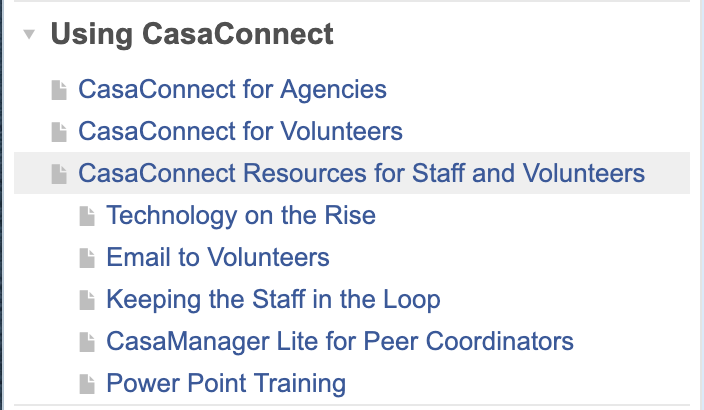
Once the Help Guide opens, scroll down the left menu to find Using CasaConnect. You will see the following options:
- CasaConnect for Agencies
- CasaConnect for Volunteers
- CasaConnect Resources for Staff and Volunteers
Select any of these options to access the needed resources.
Using the three vertical dots on the light blue bar next to the search field, you have options to print, download, or save any page on which you land. So if you want to print or download the instructions for volunteers to provide that to them, you may do so. Volunteers do not have access to the Help Guide as it is only accessed through CasaManager.
You may customize the documents to reflect your own agencies’ language. As we update and develop additional materials, we will add them to the Help Guide.
You and your volunteers may also access the recorded Webinars as an added source of guidance. The link to the training channel is: https://casamanager.com/training/
Once there, you will see Webinar Recordings with a red hyperlink Training Channel. Click on Training Channel and scroll until you see CasaConnect for Staff and/or CasaConnect for Volunteers.
If you have any questions, please contact Gina at gina@casamanager.com